

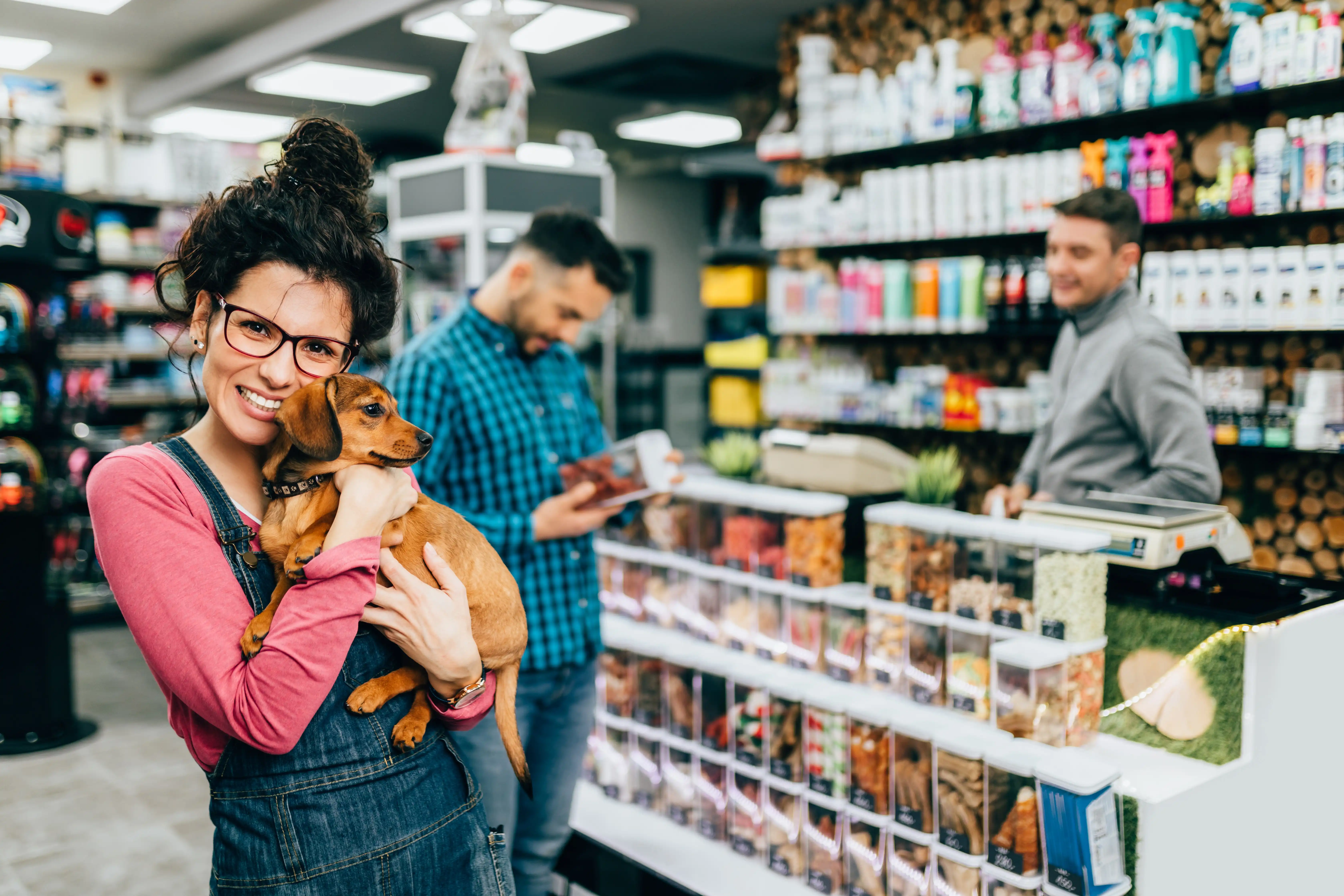


Preparing for the Holiday Season: 8 Tips and Ideas for Pet Store Owners
You can keep an independent pet store profitable for 10 or 20 years, but past success doesn’t guarantee future survival.
Shopper habits keep shifting, and transactions per independent store have dropped 15.6% over the last two years.
But stores that adapt see the opposite. Among retailers who added a service like grooming or self-wash, 61% saw more foot traffic.
Keeping up starts with a point of sale (POS) system that can change with you. Every sale you ring up shows what’s working in your store. Here are six ways to use your pet store’s POS data to grow revenue.
6 Ways To Grow Revenue With Your POS Data
Staying ahead of changing shopper habits doesn’t require a new tech stack every time you try something new. The first four strategies focus on your customers, and the last two cover the reporting and automation behind them.
1. Let Your Pet Store POS Drive Inventory Decisions
A great visit starts with having what the customer came for. Overstock ties up cash in slow-moving products, while stockouts cost sales on everyday essentials.
Stockouts can cost you the customer, too. Two-thirds of consumers in a 2024 survey said they’d switch retailers when an item is out of stock.
Over half of small retailers rely on manual counts. Pairing those physical checks with real-time POS sales data protects both your cash flow and your regulars:
- Rank your products: Sort items by share of sales with an ABC analysis. Then watch stock closest on top sellers, like the foods regulars buy every few weeks.
- Reorder on demand: Base par levels on sales pace and vendor lead times, adjusting for seasonal spikes like flea and tick prevention.
- Verify stock accuracy: Compare physical counts against your POS on-hand numbers to catch shrink or receiving errors early.
- Clear slow movers: Pull sell-through reports to mark down aging food and treats before their best-by dates. Then stop reordering dead stock.
The right system takes the headache out of tracking it all. Wags! Dog Emporium in Eugene, Oregon, uses eTailPet to scan incoming deliveries and keep stock synced across channels.
Owner Jody Maddox said, “Their inventory system is intuitive and it perfectly integrates with our online orders. eTailPet is much easier than our previous point of sale system was.”
eTailPet’s Smart Order System also helps you stay ahead of stockouts. It tracks sales in real time and drafts purchase orders before inventory dips too low. You review every order before it goes out. The built-in vendor credit module also helps you recover funds for expired or recalled items.

2. Personalize In-Store Service With Customer Profiles
Once you’ve stocked your shelves, the next opportunity is the experience at your counter.
In our 2026 State of Independent Pet Retail report, 87% of retailers said personal connection is essential to loyalty. Retailers also ranked personalized, in-person service (43%) well ahead of social media (27%) as a loyalty channel.
Customer profiles in your POS make that level of care repeatable across every shift:
- Recognize the regular: Pull up a shopper’s profile at checkout to greet them and ask about their pet by name.
- Personalize the recommendation: Suggest a food topper or treat tailored to what they already buy. In our report, 28% of stores open six to 20 years named personalized recommendations their top growth opportunity.
- Log details for the team: Record notes from each chat, like a new puppy or a switch to raw food. The next associate can pick up where you left off.
Great service shouldn’t stop when a shopper leaves the store, either. Say a customer texts to ask if their dog’s food is in stock. eTailPet’s AI-powered Support Assistant drafts a fast, accurate reply for your team.
Related Read: Pet Store Customer Data: 10 Tips & Tools for Increasing Sales
3. Raise the Average Ticket With POS Data
When foot traffic tightens across independent retail, growing what each customer spends per visit helps protect your bottom line. Your POS uncovers natural buying patterns, like which items frequently sell together.
That lets your team make helpful, no-pressure suggestions:
- Suggest the complement: Recommend natural add-ons at checkout, like waste bags and training treats with a new leash.
- Recommend for the pet’s needs: Use purchase history to suggest relevant upgrades, like a joint supplement for an aging dog.
- Merchandise on evidence: Group frequently paired items on the same endcap, like dental chews next to toothbrushes. Keep higher-margin products at eye level.
Small lifts add up fast. The average store in our data processed roughly 1,000 transactions a month in Q2 2026. At that volume, an extra $3 per ticket adds about $3,000 in monthly revenue.
4. Follow Up Between Visits With Purchase History
A bigger basket helps, but growth also depends on bringing shoppers back. Purchase history shows when a customer last bought their staple food and when they’re likely due for a refill. It also shows who has quietly drifted away.
Use those insights to stay top of mind between trips:
- Send reorder reminders: Trigger timely text or email nudges right before a customer’s regular bag of food is due.
- Segment by pet and diet: Send cat promos to cat owners and raw diet updates to raw feeders instead of generic blasts.
- Reward repeat business: Connect your loyalty program to purchase history so rewards match what shoppers buy.
- Win back lapsed regulars: Flag monthly buyers who haven’t visited in 60 days and reach out with an unredeemed loyalty reward.
- Invite past shoppers to try a new service: Promote grooming, self-wash, or nutrition consultations to customers who haven’t tried them yet. Booking in your POS ties each appointment to the customer’s profile.
eTailPet’s AI-powered Marketing Assistant can take on the writing. It drafts targeted campaigns for new arrivals, grooming reminders, and Astro Loyalty rewards. Track sales from the customers you contact to see which messages bring people back in.
Related Read: Pet Store Customer Loyalty 101: The What, Why, and How
5. Read Your Pet Store POS Reports Beyond Total Sales
To keep evolving, you need to know what’s working. Daily sales totals tell you how much money came in, but POS reporting shows why. It also shows where your next growth opportunity lives:
- Spot margin winners: Pair sales by category with item-level margins. You’ll see which top sellers bring thin profits and which high-margin gems deserve better shelf space.
- Align staffing with traffic: Track hourly sales, plus grooming drop-off and pickup windows, to match staffing to your busiest hours.
- Plan ahead for seasonal shifts: Across the stores in our data, transactions dipped about 6.6% from Q4 2025 to Q1 2026. Historical reports help you trim inventory orders ahead of predictable slowdowns.
Reviewing these reports on a regular schedule keeps small shifts from catching you off guard.
6. Automate Routine Tasks To Make More Time for Customers
Every growth strategy above takes time, and manual busywork eats it up fast. Receiving deliveries, keying in new SKUs, and building purchase orders pull your staff away from the floor.
In our report, just over half of independent pet retailers have adopted smart or automated tools. Of those, 48% say the tools have already paid off.
Start by automating the chores that drain the most hours each week:
- Skip manual item entry: Pull product details straight from a pre-loaded catalog instead of typing SKUs by hand. eTailPet’s Product Universe includes more than 160,000 pet products.
- Sync inventory automatically: Let your POS update stock counts in real time across in-store registers and online orders. That helps you avoid overselling a popular item.
- Speed up reorders: Let smart ordering tools build purchase orders from real sales velocity instead of manual calculations. You still review each one before it goes out.
Your POS should keep evolving, too. Pennye Jones-Napier co-owns The Big Bad Woof, an eTailPet customer. She calls the ability to “submit feature requests and getting them on the roadmap for development” really important.
Related Read: 10 Ways Automation Can Cut Costs in Pet Retail
FAQs: Pet Store POS Data
Here are answers to common questions about using your pet store's POS data to keep up with changing shopper habits.
How can pet stores use their POS system’s data to grow revenue?
Pet stores can use POS data to reorder based on sales velocity and personalize service with customer profiles. Margin reports reveal merchandising opportunities, and purchase history supports targeted follow-up. Built-in service booking and e-commerce can also add new revenue streams without extra software.
What should I look for in a pet store POS if I plan to grow?
Look for an all-in-one platform that handles inventory, service booking, online ordering, and multi-location syncing. Choosing a flexible system early lets you add services or open stores without migrating data or piecing together integrations.
What reports should a pet store POS include?
Look for sell-through by product, sales by category and season, margin by item, and customer purchase history. A list of customers who haven’t purchased recently also helps with targeted win-back campaigns.
What data does a pet store POS track?
A pet store POS records each sale, including the items sold, prices, time of sale, and payment method. Systems with customer profiles also track purchase history and loyalty rewards. Some also save pet details like names and dietary needs.
How does AI work in a pet store POS?
AI tools in a POS can draft replies to customer texts and write targeted marketing campaign content. Some also generate product descriptions for an online store, and eTailPet’s AI assistants handle all three.
Get More Out of Your POS Data With eTailPet
Every strategy in this post depends on a system that makes opportunities easy to spot and act on. You might stay focused on one neighborhood shop or add grooming and a second location. Either way, you shouldn’t have to fight outdated software to grow.
If you’re comparing POS systems, ask each provider to walk you through specific workflows during the demo. Request a sell-through report, a customer profile with purchase history and a list of customers past their reorder date.
eTailPet brings sell-through reporting, customer profiles, service scheduling, multi-location tools, and AI assistants into one pet store POS. Schedule a demo to find the slow movers and lapsed customers your store may be missing.


With eight years in POS software, Taylor specializes in creating solutions tailored to pet retailers. His insights into industry trends — like the growing demand for premium pet foods and creating an online presence — help small businesses adapt to changing consumer preferences. As a pet owner himself, Taylor understands the personal connection that sets local pet stores apart from big-box retailers. This firsthand experience drives his mission to equip independent pet stores with technology that highlights their unique advantages. "I love backing small businesses because shopping locally is personal and fulfilling. My goal is to give pet retailers the tools they need to stand out against the bigger chains. There’s nothing like walking into a store where they know my pet’s name and what they like!"